

Remote hires ramp fastest when expectations are clear, early wins are planned, and workflows are documented as they are learned. This guide breaks down a proven 14 day onboarding plan that covers preboarding, tool setup, first deliverables, QA standards, and the handoff to full workflow ownership.
Remote hiring gives you speed and reach, but onboarding is where most teams lose momentum. Not because the hire is not capable, but because the company has not turned expectations into a simple system. In a remote setup, confusion compounds quickly. One missing login or unclear priority can turn the first week into “busy but not productive.”
A fast ramp is not about overwhelming someone with information. It is about clarity, cadence, and early wins. The goal of the first 14 days is to make your new hire feel confident about three things: what success looks like, what to do first, and how to get unblocked without waiting.
This guide breaks the first two weeks into a practical plan you can reuse across roles. It works whether you are onboarding a remote employee, contractor, or an outsourced team member, as long as you treat onboarding like a process instead of a one time meeting.
A fast ramp is not someone working longer hours. It is someone producing correct output with less supervision each week. In practice, ramp speed comes from reducing uncertainty.
If you want a simple definition you can track, ramp fast means:
By the end of Day 3: they can access everything and complete one small task correctly.
By the end of Day 7: they can complete recurring tasks with minimal edits.
By the end of Day 14: they can own a workflow end to end with clear KPIs.
Most onboarding failures happen before the hire even starts. The first day should feel like a smooth welcome, not a scavenger hunt.
Set up access and basics at least 24 to 48 hours before start:
Make sure email, passwords, and tool logins are ready. If you use a password manager, assign access in advance and test it. Create a shared folder for the role and preload the essentials: brand assets, SOPs, examples of good work, and the current priorities list.
Create a “Role One Pager” that answers: what you own, what you support, what good looks like, what you do daily, weekly, and monthly, and who approves work. This one pager becomes the anchor when priorities shift.
Assign an onboarding owner. This is the person responsible for the experience. It is not always the manager. It can be an ops lead or coordinator. The key is that the new hire knows exactly who to go to for access, context, and decisions.
The first two days should focus on alignment and confidence. You want to reduce the anxiety of “Am I doing this right?” and replace it with “I know exactly what to do next.”
Start with a welcome call that covers three things.
First, explain the mission and what the role exists to solve. People perform better when they understand the purpose behind tasks.
Second, define success. Share the role scorecard. If you do not have one, keep it simple: 3 to 5 outcomes that matter most.
Third, set communication rules. Explain when to message, how to escalate, and how quickly they should expect responses. Remote hires do not need constant meetings. They need predictable feedback loops.
On Day 1, do a guided walkthrough of the tools and folders. Do not just send a list of logins. Screenshare for 20 minutes and show where things live, what files matter, and which channels are used for what.
If you want a “people plus systems” onboarding experience that is already structured, this page explains the operating model.
Your first priority is not training. It is getting a small win done correctly. Early wins build confidence and also reveal what is unclear in your process.
Pick one task that is small, common, and measurable. For example:
A virtual assistant could clean and tag 50 contacts in your CRM.
A support rep could respond to 10 low risk tickets using approved macros.
A marketing coordinator could format one blog post draft into your CMS layout.
Do not choose a task that requires deep company knowledge. Choose a task that teaches your standards.
Review the first deliverable quickly. Same day is ideal. In remote onboarding, delayed feedback creates doubt and slows momentum. Give corrections in a clear way: what was correct, what to change, and the rule to follow next time.
Check this page if you also want to set expectations around support roles early.
Once your hire can complete a task, the next step is ownership of a workflow. A workflow is a repeatable sequence with inputs, steps, and an output.
Pick one workflow they will own every week. Examples include:
Weekly reporting preparation, including pulling metrics and formatting the summary.
Lead follow-up workflow, including response standards and handoff rules.
Content operations, including publishing steps, formatting, and internal linking.
Document the workflow as you go. The fastest way to build SOPs is to turn real work into a checklist. Your new hire will also learn faster because the checklist becomes a reliable guide.
A strong pattern for Days 5 to 7 is a short daily check in message plus one review call at the end of the week. The daily message is simple: what you did, what you will do next, what is blocked. The weekly call is where you adjust priorities and refine the SOP.
By the second week, the goal is not just output. It is output that requires fewer edits.
This is where you introduce simple QA rules. QA does not need to be heavy. It needs to be consistent.
Define a short “Definition of Done” for the workflow they own. A definition of done is a short set of checks that must be true before work is submitted. For example:
For CRM updates, every contact has the right tag, the right stage, and no duplicate entries created.
For content publishing, the post has a meta title, meta description, internal links, and at least one credible external reference.
For support replies, the message matches tone guidelines, includes the correct next step, and logs the outcome.
Keep QA visible. If you use a project tool, add the definition of done to every task template. If you use a shared doc, keep it on top of the SOP.
This is also the right time to introduce time expectations. Not to pressure them, but to set a standard. “This task typically takes 30 to 45 minutes when you are comfortable with the process.”
By Day 14, your hire should own at least one workflow end to end.
Confirm this with a short “ownership handoff” conversation. Review their workflow, confirm the output standard, and set a weekly metric.
Choose metrics that match the role. A few examples:
For admin support: tasks completed per day, error rate, response time to internal requests.
For sales support: lead response time, follow-up completion rate, booked meetings.
For support: first response time, resolution time, CSAT if you track it.
For content ops: posts published on schedule, formatting accuracy, internal link completion.
End Day 14 by creating a simple 30-day plan. Keep it short. One workflow to own, one skill to improve, one system to document.
Check this page for pricing and packaging if you are building repeatable onboarding across multiple roles.
Book a consult if you want a plug-in onboarding system done with you.
You do not need a complicated HR system to onboard well. You need a few reusable assets.
A Role One Pager: scope, outcomes, daily and weekly tasks, and who approves decisions.
A Role Scorecard: 3 to 5 outcomes and the metrics that matter.
Examples of good work: screenshots, sample deliverables, or short Loom videos.
A Definition of Done: the QA checklist that prevents rework.
A Communication Guide: which channel for what, response times, escalation rules.
If you build these once, onboarding becomes faster each time you hire.
One of the most common mistakes is giving too much information too soon. A remote hire does not need every document on Day 1. They need the documents that support the first workflow they will own.
Another mistake is unclear approvals. If they do not know who signs off on what, they will either wait too long or push work without alignment.
The third mistake is delayed feedback. If you wait three days to review work, you create a loop of uncertainty. Quick feedback is a ramp accelerator.
Finally, many teams skip internal linking and documentation for roles that touch content and operations. If you publish content but do not link it to your service pages, you lose organic compounding. If you deliver operations work but do not document it, you lose repeatability.
If you want a cadence that feels lightweight but effective, use this:
Day 1: welcome call and tool walkthrough
Days 2 to 5: short daily async check in message
Day 5 or 6: weekly review call, 20 to 30 minutes
Week 2: daily async check ins plus one review call on Day 10 or Day 12
Day 14: ownership and 30-day plan call, 30 minutes
This cadence keeps communication predictable without turning onboarding into constant meetings.
Remote hires ramp fast when expectations are clear, early wins are planned, and workflows are documented as they are learned. The first 14 days should move from access and clarity, to a first win, to owning a workflow, to measuring outcomes.
If you want onboarding that feels integrated and repeatable instead of improvised, start with your systems first, then add the people.
Explore the approach: https://www.hamediaagency.com/our-approach
See pricing: https://www.hamediaagency.com/pricing
Contact: https://www.hamediaagency.com/contact
Valerie Vince Cruz is a thought leader in AI-enhanced outsourcing and business operations. With years of experience helping companies scale efficiently, they share insights on the latest trends and best practices in the industry.
Get in touch with our team and we'll help you find the right solution.
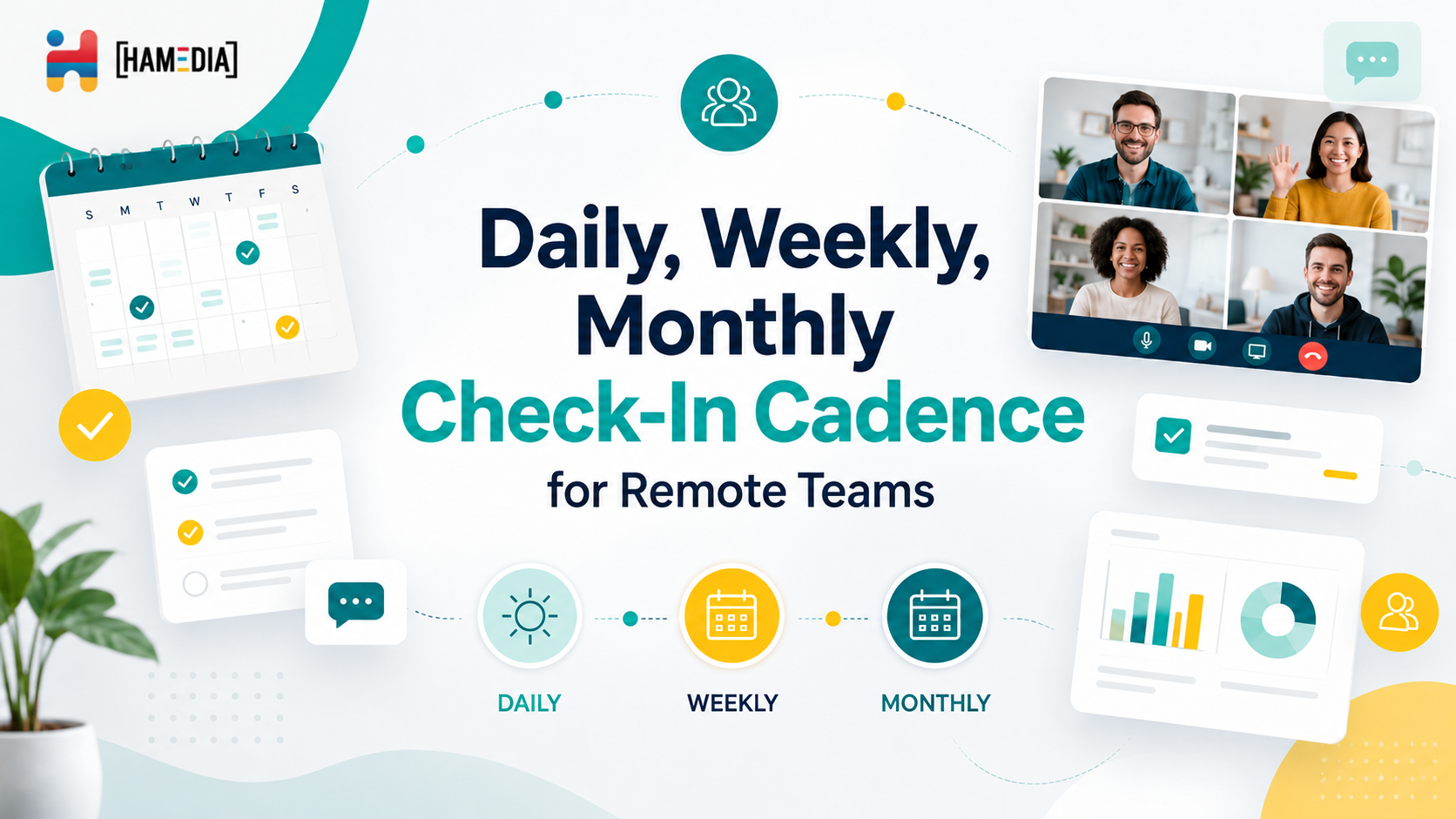
A strong check-in cadence helps remote teams stay aligned without turning every day into nonstop meetings. This blog explains how daily, weekly, and monthly check-ins each serve a different purpose, from surfacing blockers and managing workload to reviewing progress, improving communication, and keeping remote operations organized over time.
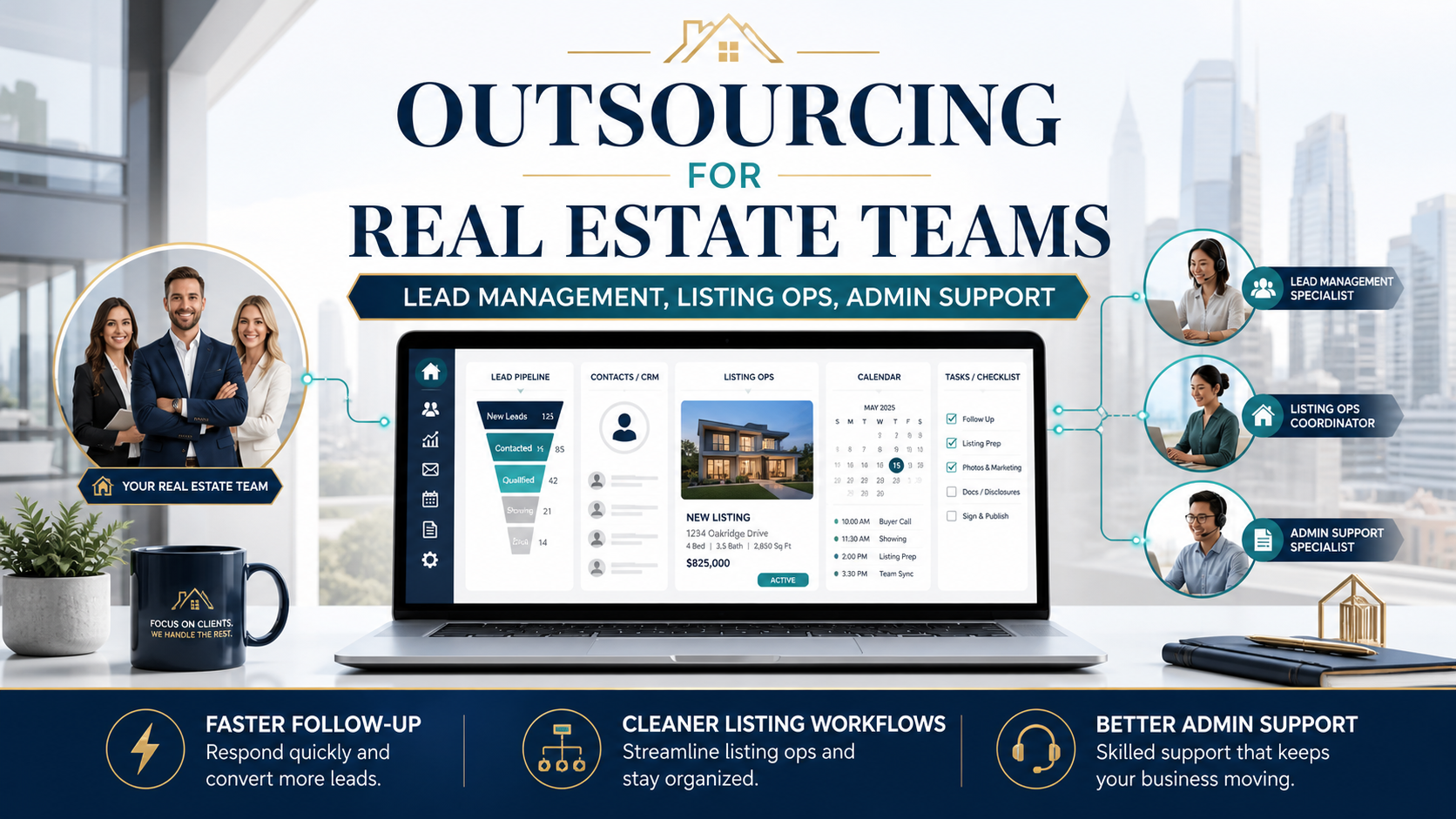
Real estate teams grow faster when agents can stay focused on sales while the operational work stays organized behind the scenes. This blog explains how outsourcing lead management, listing operations, and admin support can help reduce missed follow-ups, improve workflow consistency, and create a smoother client experience without adding more internal pressure.

A remote team scorecard helps you measure performance with more clarity and less guesswork. This blog explains how to build role-based KPIs for virtual assistants, technical support, sales, marketing, operations, and managers so you can track output, quality, responsiveness, and results in a way that actually supports remote team growth.