
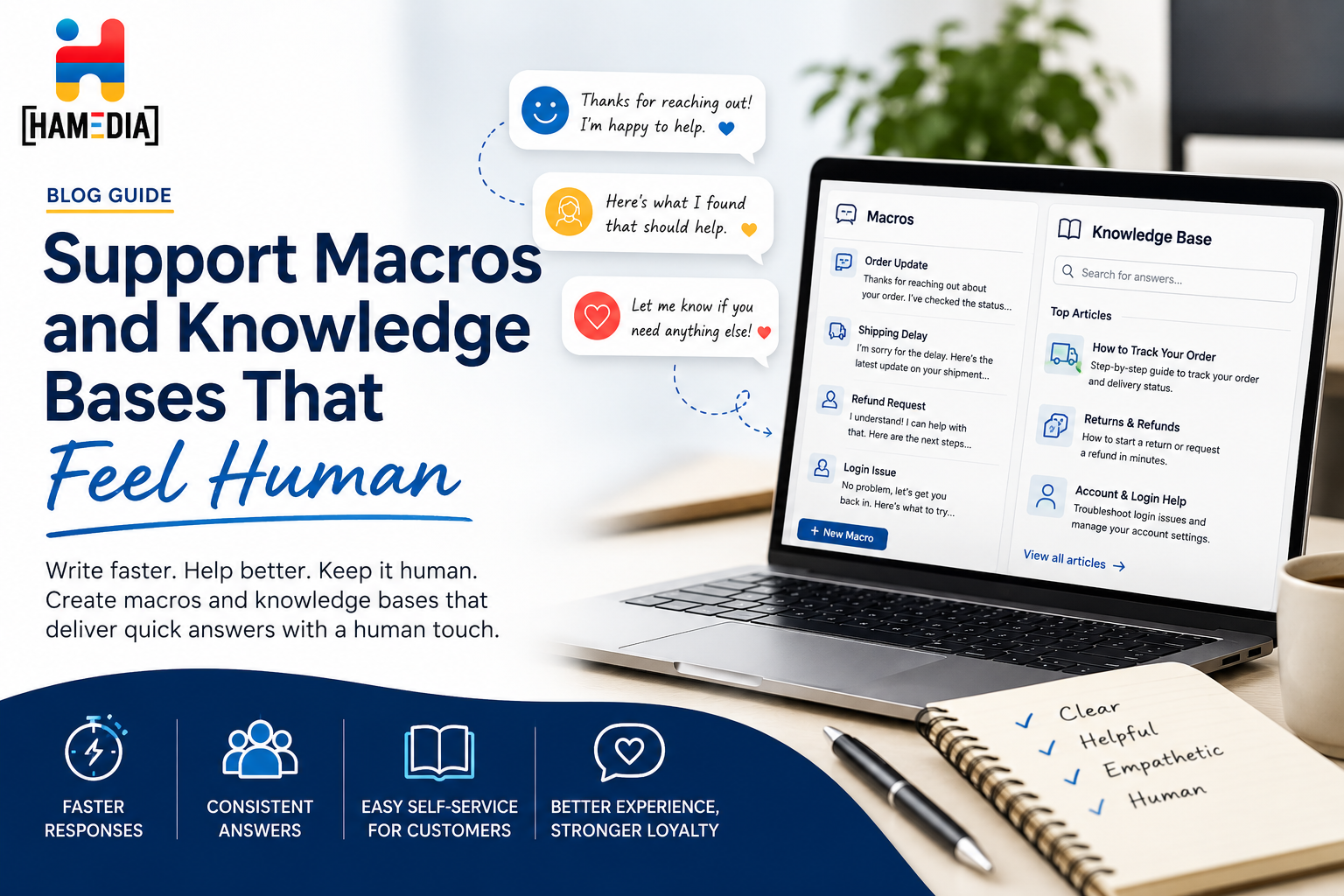
Support macros and knowledge bases work best when they help teams move faster without sounding cold or robotic. This blog explains how to write saved replies and support content in a way that feels clear, useful, and human, while still improving consistency, reducing repeat work, and making it easier for customers to find the help they need.
Support teams usually build macros and knowledge bases for one good reason: to answer faster without losing quality. But a lot of teams end up creating the opposite experience. The replies sound robotic, the articles feel stiff, and customers can tell they are being pushed through a system instead of helped by a person. Good support guidance makes the same point in different ways. Macros are meant to improve speed and consistency, while knowledge bases are supposed to help people find answers clearly and quickly. When those tools are written well, they reduce repeat work and still feel natural.
The problem is not macros themselves or the idea of a knowledge base. The problem is usually how they are written and managed. Saved replies often get treated like shortcuts for the team instead of tools for the customer. Help articles often get written around product language instead of user questions. That is why support content can be technically correct and still feel cold. Strong knowledge-base guidance says support content should answer real questions in the language users actually use, be easy to search, and make it obvious when someone should move from self-service to human help.
This topic fits Hamedia Agency naturally because Hamedia’s service pages already lean into connected support, AI-enhanced workflows, and the idea of keeping efficiency without losing the human touch. The omnichannel support page talks about seamless support across touchpoints, and the technical support page focuses on measurable service improvements with a real support layer behind the system. That makes macros and knowledge bases a strong topic for your audience because they sit right in the middle of speed, consistency, and customer experience.
A support macro is not supposed to be a finished answer that ignores the person asking the question. It is supposed to be a starting structure that helps the team respond faster and more consistently. Good macro guidance says saved replies work best for frequent issues, help reduce response time, and improve consistency, but they still need to be used with judgment and personalization.
That means the best macros are not giant canned paragraphs. They are flexible frameworks. A greeting, a clear explanation, a few editable details, and a next step. When a team writes macros like complete scripts with no room for adjustment, the replies usually sound flat. When the macro gives the agent a clean structure and leaves room for light tailoring, the message feels more human.
A knowledge base is also easy to misunderstand. It is not just a folder of articles or an FAQ page that exists because every company thinks it should have one. Good support content guidance describes a knowledge base as a self-service system that helps customers solve problems, gives agents consistent answers, and reduces repetitive tickets by making information easy to find and use.
A good knowledge base should also help internal teams, not just customers. Some support guidance makes a useful distinction between internal and external knowledge bases. One supports agents with ready-to-use answers, process notes, and exception handling. The other supports customers directly. When both are strong, the customer gets faster answers and the agent has a better foundation to work from.
Most robotic support content comes from one of three habits. The first is writing for internal convenience instead of customer understanding. The second is using product language instead of customer language. The third is removing all personality in the name of consistency. Support-content guidance repeatedly recommends using the customer’s goal, clear organization, searchable language, and the right tone, because users do not want to decode internal wording just to solve a simple problem.
Another reason support content feels robotic is that teams over-automate the tone. They try to make every answer sound polished, but what they really do is strip out any sense of directness and clarity. The better approach is simple language, short sentences, and enough empathy to show that the customer’s problem is understood. Human does not mean overly casual. It means clear, warm, and grounded in the actual issue.
The first rule is to write macros around situations, not around generic replies. Instead of a vague “Thanks for reaching out” macro, write a refund-request macro, a login-help macro, a shipping-delay macro, or a billing-clarification macro. Macro guidance recommends building macros around the most common topics the team receives, because that is where speed and consistency help most.
The second rule is to leave room for personalization. A good macro might have a reusable explanation, but it should still allow the agent to reference the customer’s exact issue, order, account, or goal. Guidance on macro use specifically recommends personalization and warns against letting saved replies become rigid scripts.
The third rule is to answer in the first response whenever possible. Macro best-practice guidance says macros should help solve the issue, not just push the customer into another loop. That means the macro should include the answer, the steps, or the next action clearly instead of asking unnecessary follow-up questions the team already knows how to handle.
A human-feeling knowledge base usually starts with real customer questions. Strong knowledge-base guidance says the content should be guided by what customers actually ask, not by what the company assumes they want to know. That means using support tickets, search logs, chat transcripts, and repeated agent questions as the content roadmap.
The article itself should also open with the customer’s goal. Instead of jumping straight into feature language, say what the article helps the person do. Knowledge-base guidance recommends starting with the user’s goal and making the purpose obvious right away. That makes the content feel more helpful because it connects to what the person is trying to achieve instead of what the system calls the feature internally.
Another key point is search and structure. A human-feeling knowledge base is easy to navigate. Good support-content guidance says people should not have to dig through confusing categories or guess the exact phrase your team used. Searchability, simple categories, and visible top articles matter because most users want the answer fast and will leave if the help center feels like hide-and-seek.
A lot of teams treat macros and knowledge bases like separate projects, but they work best together. The knowledge base should be the source of truth. The macros should turn that knowledge into faster support replies. When those two systems are connected, agents give cleaner answers and customers get a more consistent experience. When they are disconnected, macros go stale and articles drift away from what support is actually saying.
This is also where internal support process matters. If the team updates an answer in the macro but never updates the article, or fixes the article but leaves the macro unchanged, the system starts splitting in two. The better approach is to review both together and use repeated conversations to improve the underlying content.
One of the most human things a support system can do is admit when an article is not enough. Good knowledge-base guidance says there should be an easy path to human help when self-service does not solve the issue. That is not a failure of the knowledge base. It is part of a better customer experience.
That idea fits Hamedia’s service model well. The omnichannel support page talks about connected conversations across touchpoints, and the technical support page focuses on faster responses and better issue handling without losing the human side of service. If a business wants to build support content that is more connected to real support delivery, those pages are natural next steps.
The fastest way to improve macros and knowledge bases is to start with the top ten questions your support team sees every week. Write or rewrite the article in plain language. Then build one good macro that uses the same logic but leaves room for light personalization. Review which replies still need manual rewriting. Review which articles still create repeat tickets. Then improve the system from there. Guidance on knowledge-base creation and macro best practices points to exactly this kind of practical, high-frequency-first approach.
Support macros and knowledge bases do not have to sound robotic. They sound robotic when they are written for speed alone and disconnected from how real customers ask questions. The better approach is to write around real issues, use simple language, leave room for personalization, connect macros to the knowledge base, and make it easy for someone to reach a person when needed. That is how support content stays efficient without losing the human feel customers actually notice.
Valerie Vince Cruz is a thought leader in AI-enhanced outsourcing and business operations. With years of experience helping companies scale efficiently, they share insights on the latest trends and best practices in the industry.
Get in touch with our team and we'll help you find the right solution.
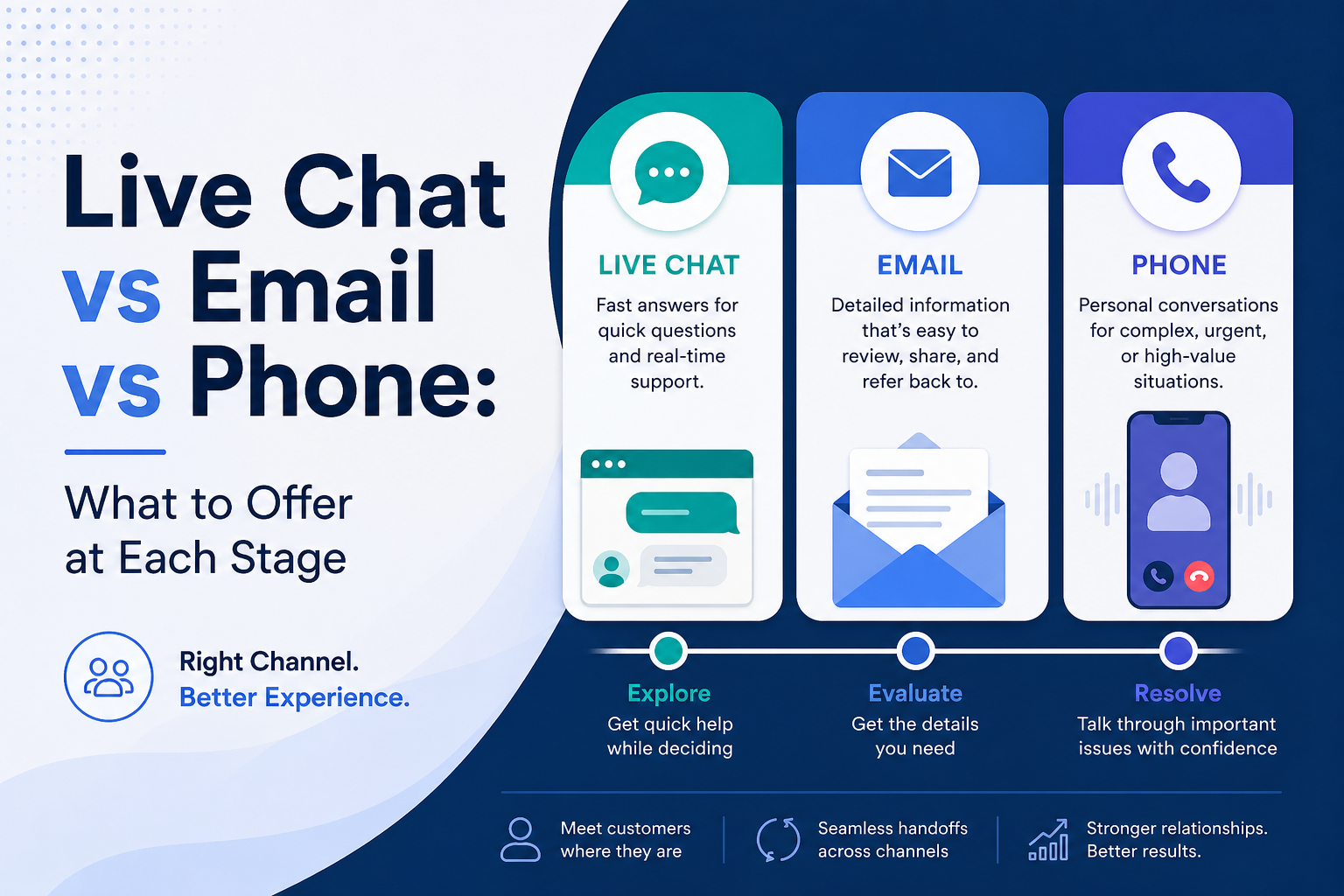
Choosing the right support channel is less about picking one winner and more about matching the customer’s needs at the right moment. This blog explains when to offer live chat, email, or phone at each stage of the customer journey so businesses can create faster responses, smoother support, and a better overall experience.

Support quality breaks when volume grows and answers become inconsistent. This guide shows how to build a lightweight support QA program in two weeks using a simple scorecard, smart sampling, fast feedback, and weekly coaching. You will also learn how to turn QA trends into better macros, knowledge base updates, and escalation rules so customer experience stays consistent as you scale.

Outsourcing customer support can help startups and SMBs respond faster, stay consistent, and protect customer experience without draining internal bandwidth. This guide explains what to outsource first, how to set SLAs and metrics like first response time and CSAT, how to run QA and documentation, what security and privacy controls matter, and how to roll out an outsourced support team in 30 days with predictable results.