
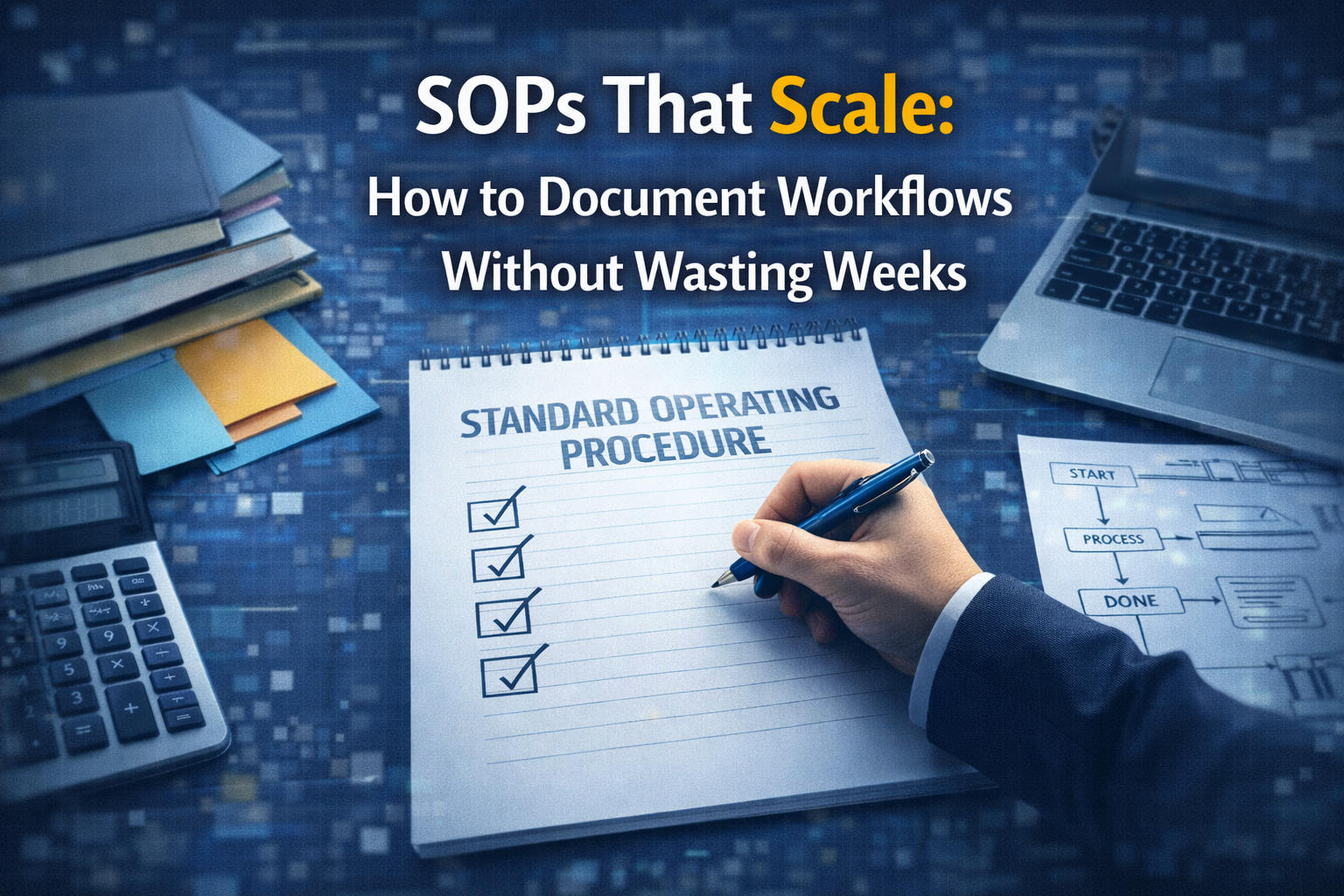
Most teams avoid SOPs because they think documentation takes weeks. This post shows how to build SOPs that actually scale by documenting workflows from real work, using simple structures like trigger and output, adding a clear definition of done, and tightening decision rules so quality stays consistent as your team grows.
Most teams avoid SOPs because they picture a massive documentation project that drags on forever. That is not what good SOPs look like in 2026. The SOPs that actually scale are short, practical, and built from real work as it happens. They make execution faster, onboarding easier, and quality more consistent, especially when you are outsourcing or running a remote team.
A scalable SOP is not a “perfect document.” It is a repeatable workflow with clear steps, clear ownership, and a simple definition of what done looks like. If you can hand a task to someone new and get the same quality output without ten clarifying questions, your SOP is doing its job.
The most common reason SOPs fail is that teams try to document everything at once. They attempt to write a full company manual before they even have stable workflows. That turns documentation into a backlog that never ends. The second reason is that SOPs get written in theory, not from real execution, so they are outdated the moment they are published.
Another major reason is that SOPs often lack decision rules. They list steps, but do not cover what to do when something goes wrong, what requires approval, or how to escalate. That is where most mistakes happen, especially with admin, support, and operations work.
Instead of thinking “we need SOPs,” think “we need the top 10 workflows to run the same way every time.” When you document only the workflows that create the most volume, the most risk, or the most revenue impact, you get ROI fast.
A scalable SOP is built to be used daily, not stored in a folder. If nobody uses it weekly, it will drift and die. The goal is adoption first, perfection later.
Make a list of the recurring workflows in your business. Keep it simple. Examples might be lead intake, sales follow-up, invoice creation, support triage, weekly reporting, onboarding, and scheduling. Choose one workflow to document this week, not ten.
Pick your first workflow using a single rule: document the one that causes the most rework or delays. That is usually where the hidden cost is.
Do not start by redesigning the process. Start by capturing what actually happens when someone completes the work today. The easiest method is to record a real run-through while the task is being done, then turn that into an SOP.
This approach prevents weeks of theory-writing. It also makes the SOP realistic for the next person who has to follow it.
A scalable SOP can be short if it is structured well. The simplest structure that works across roles is:
Trigger: what starts the workflow.
Inputs: what information or files are required.
Steps: what to do, in order.
Output: what success looks like and where the final deliverable goes.
This structure reduces confusion because it tells people when to start, what they need, what to do, and what “done” means.
Most SOPs are missing one thing: the quality bar. A Definition of Done is a small set of checks that must be true before someone marks the task complete. It is what prevents rework from creeping back in.
For example, a weekly reporting SOP might define done as: all metrics pulled from the correct date range, numbers match source dashboards, summary includes wins and issues, and the report is shared to the correct channel before a specific time.
If you want SOPs that scale with outsourcing, the Definition of Done is the key. It creates consistent output even when different people execute the workflow.
Workflows break in edge cases. That is why your SOP should include simple decision rules.
Instead of writing a long policy section, add a short “If this happens, do this” section. For example: if a customer requests a refund above a threshold, escalate to internal approval. If a lead asks for pricing outside your standard packages, route to the sales owner.
For security and admin workflows, decision rules also help reduce risk because they prevent outsourced team members from guessing when something is sensitive.
External link (related): https://owasp.org/www-community/controls/Least_Privilege_Principle
The fastest way to improve SOP adoption is to include examples. One screenshot of a correctly completed task is worth more than five paragraphs of explanation.
If the SOP includes an email, add a template. If it includes a report, attach a sample. If it includes CRM updates, show the exact tags and stages to use. This saves time and prevents subjective interpretation.
SOPs do not scale if they live in ten different places. Put them in one home, organize them by department, and make them easy to search.
Also, add one line at the top: “Owner” and “Last updated.” That single habit prevents stale SOPs from quietly breaking your workflows.
If you are outsourcing or using remote support, the “owner” is crucial. Someone internal should own outcomes even if execution is delegated.
The most scalable SOP format is the checklist SOP. It works best for admin, reporting, scheduling, publishing, and most recurring operations work.
The second format is the decision SOP, which focuses on how to handle exceptions. It works best for support, dispatch, billing exceptions, and client escalations.
The third format is the playbook SOP, which explains a repeatable outcome with strategy plus steps, like onboarding a new hire, launching a campaign, or opening a new site.
Day 1 is workflow selection and scope. Choose one workflow and define what “done” means.
Day 2 is recording one real run-through. Turn it into steps with trigger, inputs, steps, output.
Day 3 is adding templates and examples. This is where speed and consistency come from.
Day 4 is adding decision rules and escalation paths. Keep it short but clear.
Day 5 is a test run by someone else. If they ask questions, your SOP is missing clarity.
Day 6 is revision and tightening. Remove fluff, add the missing step, simplify language.
Day 7 is publishing and adoption. Put the SOP where the team actually works and add it to your recurring task templates.
SOPs that scale are not long. They are usable. Start with one workflow, document it from real work, add a definition of done, include decision rules, and attach examples. Do that consistently and you will build a library that makes onboarding faster, outsourcing safer, and operations smoother without burning weeks on documentation.
If you want help building SOPs that match your outsourcing model and operations stack, this is the best next step.
Valerie Vince Cruz is a thought leader in AI-enhanced outsourcing and business operations. With years of experience helping companies scale efficiently, they share insights on the latest trends and best practices in the industry.
Get in touch with our team and we'll help you find the right solution.
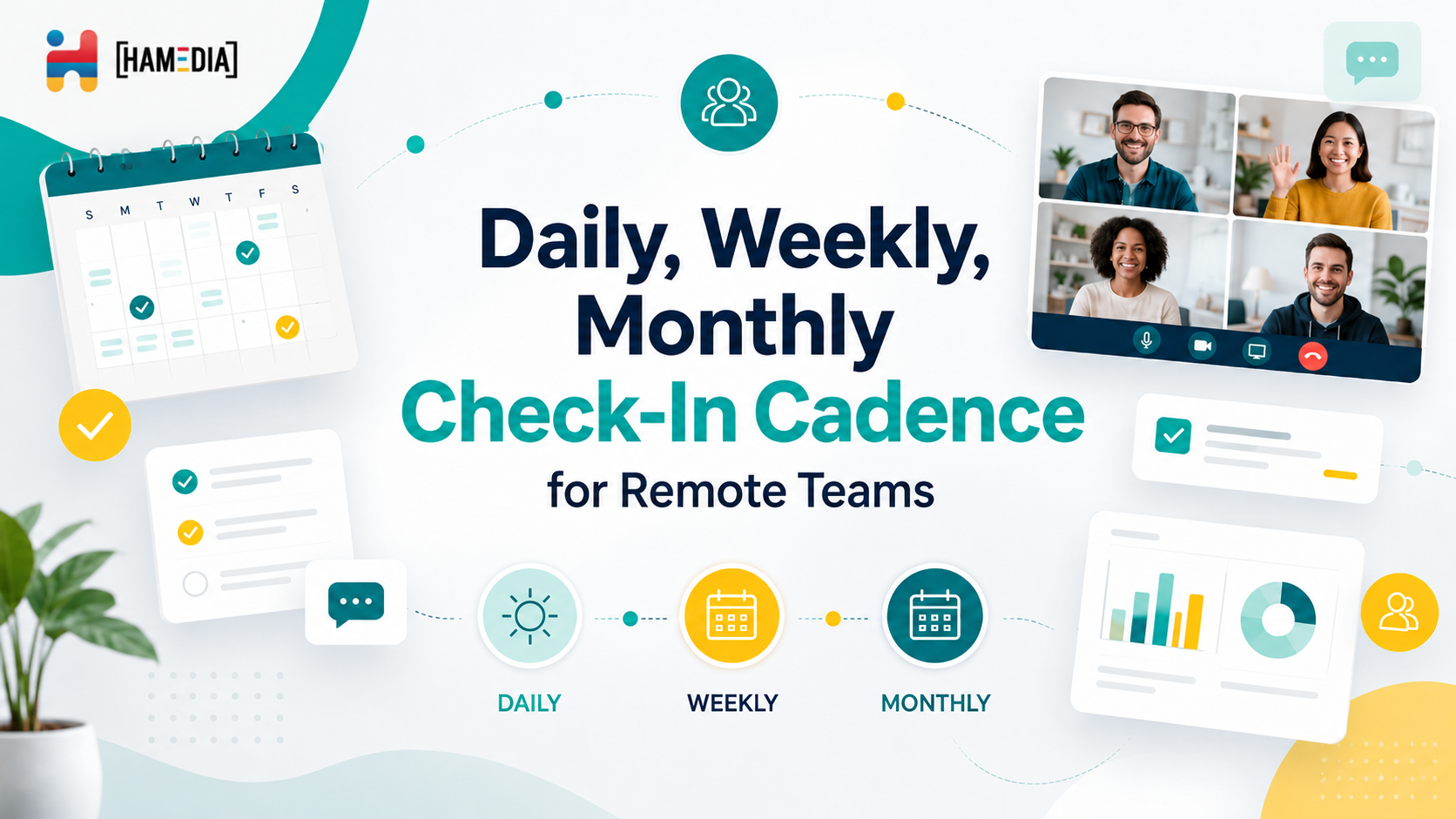
A strong check-in cadence helps remote teams stay aligned without turning every day into nonstop meetings. This blog explains how daily, weekly, and monthly check-ins each serve a different purpose, from surfacing blockers and managing workload to reviewing progress, improving communication, and keeping remote operations organized over time.

Real estate teams grow faster when agents can stay focused on sales while the operational work stays organized behind the scenes. This blog explains how outsourcing lead management, listing operations, and admin support can help reduce missed follow-ups, improve workflow consistency, and create a smoother client experience without adding more internal pressure.

A remote team scorecard helps you measure performance with more clarity and less guesswork. This blog explains how to build role-based KPIs for virtual assistants, technical support, sales, marketing, operations, and managers so you can track output, quality, responsiveness, and results in a way that actually supports remote team growth.