
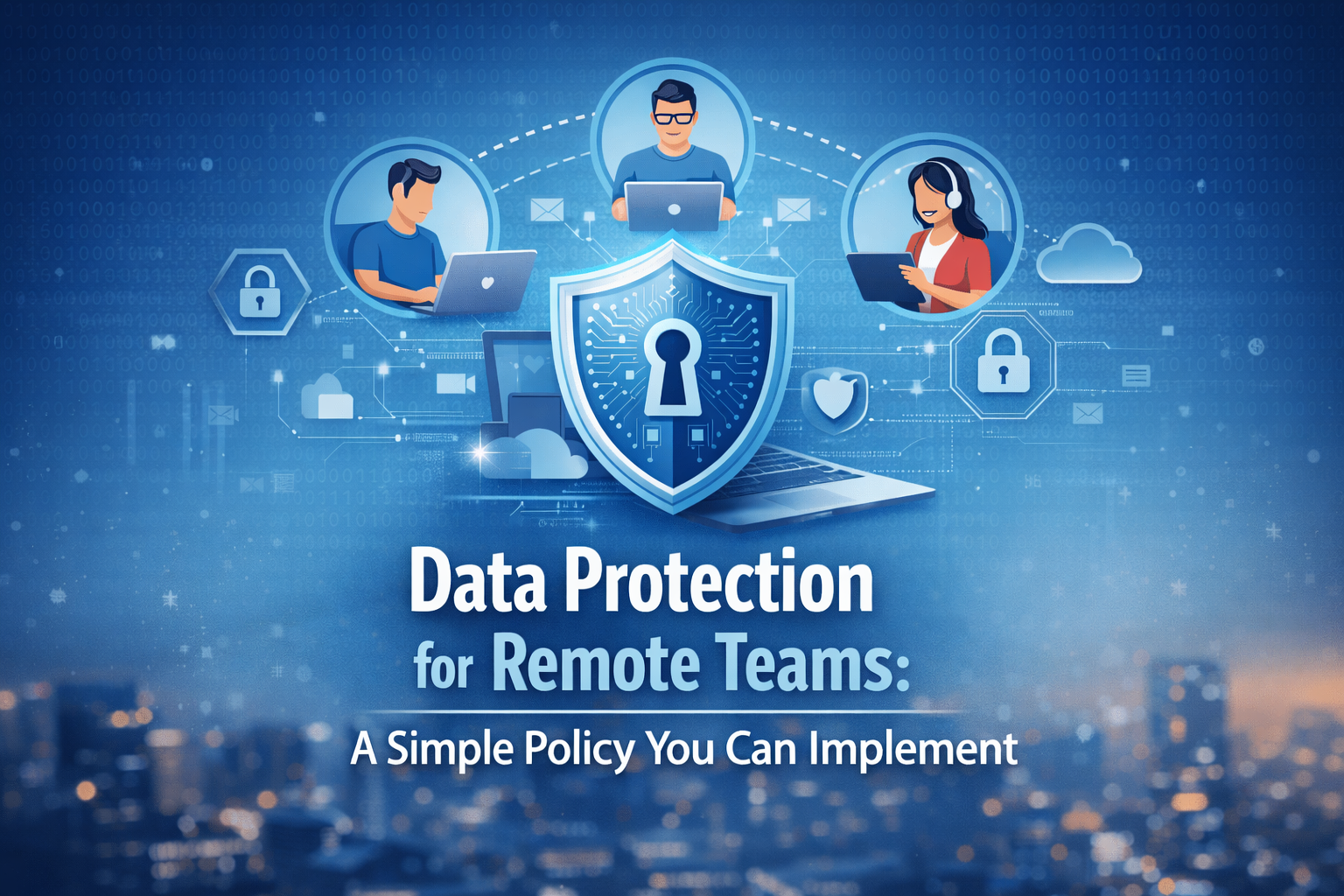
Protecting remote teams does not have to be complicated. This blog breaks down a simple data protection policy businesses can implement to secure devices, manage access, reduce human error, and protect sensitive information across remote workflows. It also covers practical steps for stronger passwords, safer file sharing, phishing awareness, and better support systems for distributed teams.
Remote work has changed the way businesses operate. It gives companies more flexibility, helps them hire talent from more places, and makes it easier to scale without relying only on one physical office. But remote work also creates new risks. When your team is spread across homes, coworking spaces, coffee shops, and different cities, company data moves through many devices, networks, and apps every day. That makes it much easier for sensitive information to be exposed by mistake if there are no clear rules in place.
The good news is that you do not need a complicated policy to improve security. In fact, a simple policy is usually better because it is easier for employees to understand and follow. A strong remote data protection policy should tell your team what tools to use, how to protect accounts and devices, how to handle files, and what to do if something goes wrong. The goal is to reduce mistakes, create consistency, and protect your business without turning security into something overly technical or confusing.
This topic is especially important for companies that rely on remote staff, outsourced support, and digital systems to keep operations moving. Hamedia Agency already positions itself as an AI-powered outsourcing partner focused on helping businesses improve workflows, support operations, and grow with structured service delivery. That makes data protection for remote teams a very natural topic for your audience because it connects directly to the type of support and systems your company already offers.
Many businesses still think cybersecurity is mainly an IT issue. It is not. It is also a people issue and a process issue. A remote employee can use a weak password, click a bad link, save a client file in the wrong place, or share a document through the wrong app. These mistakes do not always happen because someone is careless. Many times, they happen because the business never created a simple standard for how data should be handled.
A written policy gives your team one clear way to work. Without it, every employee makes their own decisions about passwords, file storage, access levels, messaging apps, and device use. That leads to inconsistency, and inconsistency creates risk. A short policy helps everyone follow the same rules, which makes it easier to protect internal files, customer information, and daily operations.
Remote work also increases the number of places where data can be exposed. Employees may use home Wi-Fi, shared devices, mobile phones, cloud drives, and multiple online platforms to get their work done. Each one of those creates another point where information can be mishandled or accessed by the wrong person. A policy helps reduce that risk by defining exactly how company information should be stored, shared, and protected.
A useful policy does not need to answer every technical question. It just needs to answer the most important practical ones. Who can access company data? Which tools are approved for work? What counts as sensitive information? How should files be shared? What should employees do if they lose a device or notice suspicious activity? When those answers are clear, people make better decisions during normal day-to-day work.
The FTC advises businesses to understand what data they collect, where it is stored, how it moves, and who has access to it. That is a very practical foundation for a remote team policy. Once you understand those basics, it becomes much easier to set clear rules that your team can follow without feeling overwhelmed.
One of the easiest ways to reduce risk is to tell employees exactly which tools they are allowed to use for work. That includes email, messaging, file storage, project management, and customer communication platforms. When employees use personal email accounts, personal cloud drives, or random apps they find on their own, it becomes much harder for the business to control where company data goes.
If your business uses platforms like Google Workspace, Microsoft 365, Slack, Zoom, or a project management tool, your policy should name them clearly. A simple rule such as “If it is not approved, do not use it for company work” is much easier to follow than a vague rule about being careful online. Clear systems make security easier.
If you are trying to build a stronger remote support structure and need help managing administrative work, scheduling, inbox support, or back-office tasks, this is also a natural place to point readers toward your service offering. If you need reliable virtual assistants backed by structured workflows and AI-enhanced processes, check this page.
Every remote data protection policy should include password standards. Employees should use strong, unique passwords for each work account and should never share passwords in email, chat, or text messages. That alone can reduce a lot of common problems, especially when remote workers log in to many platforms every day.
Multifactor authentication, often called MFA, is another basic rule that should be included in the policy. CISA’s guidance for small and medium businesses says MFA adds an extra layer of protection beyond passwords, and its business essentials summary also highlights MFA as one of the core actions businesses should take. Your policy can simply require MFA for email, file storage, CRM systems, finance tools, and project platforms.
Devices are a big part of remote security. Laptops, desktops, and phones used for work should stay updated and protected. If software is outdated, security weaknesses can stay open longer than they should. CISA specifically recommends updating business software, and FTC guidance on secure remote access also stresses protecting the devices used to connect to company systems.
Your policy does not need to go deep into technical terms. It can say that work devices must use automatic updates, screen locks, encryption where available, and antivirus or endpoint protection. It can also say that employees should not use public or shared computers for company logins. Short rules like these are easier to follow and easier to enforce.
Data protection is also about keeping your daily operations stable. If your business needs dependable helpdesk or technical support support for remote users, device issues, and workflow disruptions, this is a good place to add a service mention. If you need dependable technical support for your growing team, learn more here.
Not every employee needs access to every file, folder, or system. One of the simplest ways to reduce risk is to give people access only to the information they need for their role. A support rep may need a ticketing platform but not payroll files. A virtual assistant may need calendars and internal admin documents but not financial dashboards.
This is especially important for remote teams and outsourced support. If an account is compromised, limited access reduces the damage. Role-based access also keeps systems cleaner and makes it easier to manage permissions as your team grows. It is a simple idea, but it has a big impact on security.
A strong remote setup works best when the business has clear systems behind it. If you want readers to learn more about how Hamedia builds structured service delivery using people, process, and AI-enhanced workflows, this is a strong page to reference.
Not all data needs the same level of protection. That is why your policy should include a simple data classification system. For many businesses, three categories are enough. Public data includes information that can be shared openly, such as website content or public brochures. Internal data includes things like meeting notes, SOPs, and internal working documents. Sensitive data includes contracts, financial records, HR files, passwords, customer details, and client documents.
This simple structure helps employees make better decisions. If a file is sensitive, it should be shared more carefully, stored in approved systems, and limited to authorized users. Even a basic classification model helps a remote team slow down and think before they send, download, or store information in the wrong place.
Many data problems happen through ordinary file-sharing mistakes. Someone sends the wrong attachment. Someone creates a link with open permissions. Someone downloads a file to a personal desktop and forgets to remove it later. These are not rare or unusual mistakes. They are the kind of small errors that happen during normal work when the rules are unclear.
Your policy should define a few simple file-sharing rules. Store files only in approved company systems. Use permission-based sharing instead of open public links. Double-check recipients before sending documents. Do not send sensitive files through personal email. Simple rules like these can prevent many avoidable problems.
If a reader is already thinking seriously about structure, workflow, and secure support, they may also want to understand who is behind those solutions. This is a good place to add a softer trust-building paragraph. If you want to learn more about the company behind these services and how it supports business growth through AI-powered outsourcing, visit this page.
Phishing remains one of the most common ways attackers get into business systems. That is why employee awareness is still one of the most important parts of security. CISA’s business guidance highlights phishing awareness, strong passwords, MFA, and software updates as core actions for businesses. That means a good policy should not only talk about tools. It should also remind employees what suspicious activity looks like.
Your team should know to pause before clicking unexpected links, be careful with login pages and invoices, and question urgent requests for passwords or account access. Even a short monthly reminder or a simple training note can make a real difference because it keeps security in front of the team instead of treating it like a one-time discussion.
Remote employees often work from home Wi-Fi, hotel networks, airports, or shared workspaces. That means connection security matters. FTC guidance on secure remote access explains that businesses should take steps to protect remote connections and the devices used to access company systems.
Your policy can keep this simple. Avoid using public Wi-Fi for sensitive work unless secure access measures are in place. Use strong passwords on home networks. Keep routers and devices updated. Do not leave work devices unattended in public places. Security is not only about software. It is also about how people handle devices and connections in real life.
A strong policy should also tell employees exactly what to do when something goes wrong. If a laptop is lost, a strange login alert appears, or a suspicious email is opened, people should not waste time trying to decide who needs to be told. The faster a problem is reported, the easier it is to reduce damage.
Your policy should say that lost devices, accidental file sharing, suspicious emails, unusual account behavior, and unauthorized access attempts must be reported immediately. Keep the reporting path simple, such as one manager, one email address, or one IT contact. A complicated reporting process usually leads to delays, and delays make security problems worse.
Offboarding is one of the most overlooked parts of remote security. If a former employee or contractor still has access to email, cloud folders, client systems, or company platforms, your business stays exposed even after that person has left. That is why the policy should include a simple offboarding checklist.
That checklist can include disabling email, removing access to apps, changing shared passwords, removing cloud permissions, and reviewing any connected automations or account forwarding rules. This should happen right away, not a week later. Fast offboarding is part of protecting business data.
Here is a short sample policy you can adapt for your business:
Remote Team Data Protection Policy: All team members must use approved company tools for communication, file storage, and work-related tasks. Work accounts must use strong unique passwords and multifactor authentication. Devices used for work must stay updated and protected with screen locks and basic security controls. Sensitive data must be stored only in approved systems and shared only with authorized users. Suspicious activity, lost devices, and accidental data exposure must be reported immediately. Access to systems will be based on role and removed promptly when work ends.
The best way to implement a policy like this is to start small. Choose your approved tools. Turn on MFA where possible. Review who has access to what. Write the policy in plain language. Walk the team through the main rules. Review the policy every few months as the business grows. You do not need perfection on day one. You need a clear starting point that people can actually follow.
If your business is building a remote team and wants support with virtual assistants, technical support, or more structured AI-enhanced workflows, this blog can naturally guide readers toward your service pages. If you want to explore Hamedia Agency’s services, approach, and support options, start here.
Internal Link URL: https://www.hamediaagency.com/
Internal Link URL: https://www.hamediaagency.com/pricing
Internal Link URL: https://www.hamediaagency.com/contact
If a reader is ready to move from learning into action, a direct service-focused call to action fits well near the end of the article. If you are building a remote team and want support with virtual assistants, technical support, or AI-powered operational systems, you can contact Hamedia Agency here to learn more.
Remote work is here to stay, but that does not mean remote risk should be treated as normal. Most businesses do not need a huge security framework to start protecting their remote teams better. What they need is a simple, repeatable policy that tells people which tools to use, how to protect accounts, how to handle data, and what to do when something goes wrong.
Valerie Vince Cruz is a thought leader in AI-enhanced outsourcing and business operations. With years of experience helping companies scale efficiently, they share insights on the latest trends and best practices in the industry.
Get in touch with our team and we'll help you find the right solution.
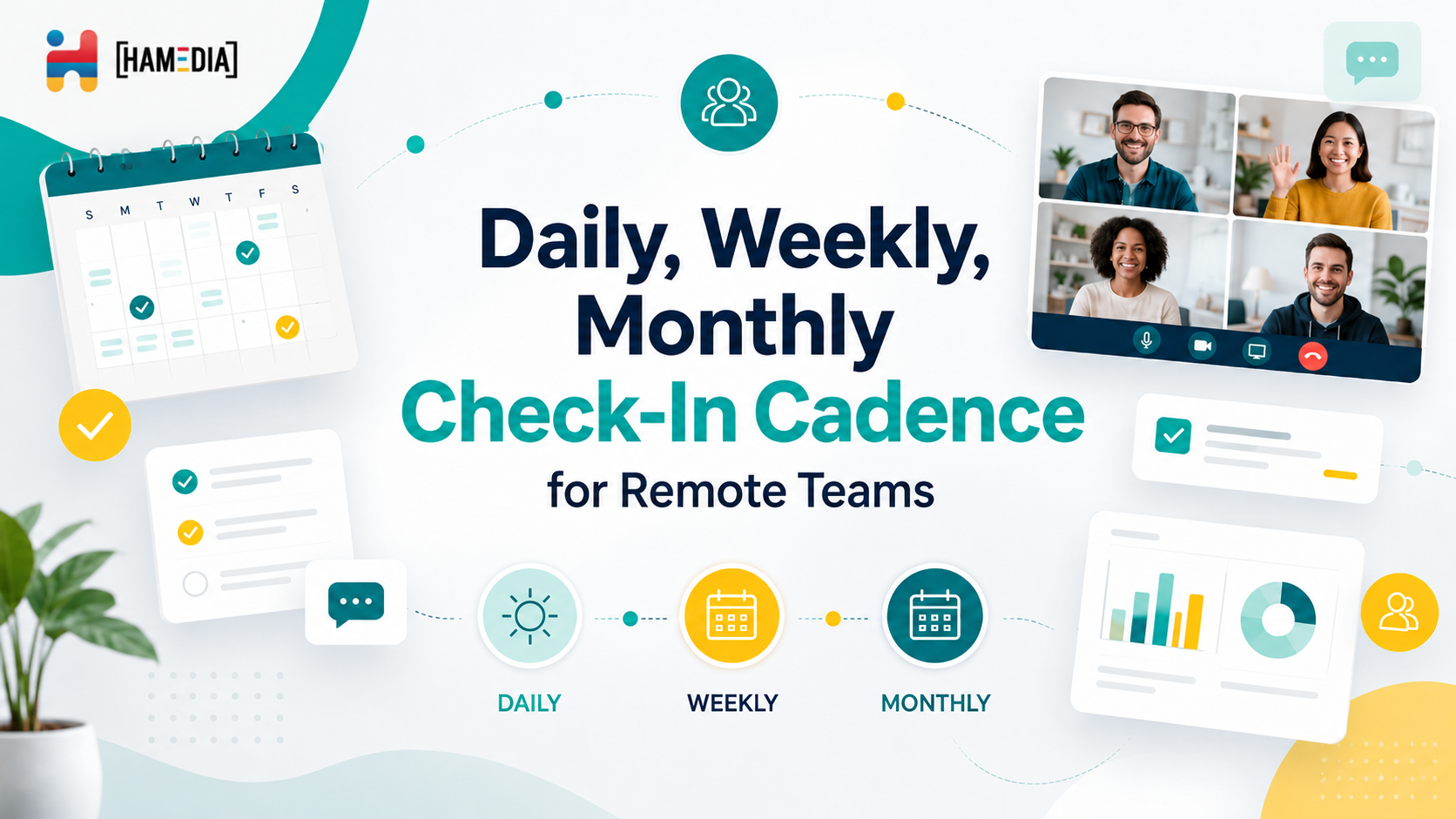
A strong check-in cadence helps remote teams stay aligned without turning every day into nonstop meetings. This blog explains how daily, weekly, and monthly check-ins each serve a different purpose, from surfacing blockers and managing workload to reviewing progress, improving communication, and keeping remote operations organized over time.

Real estate teams grow faster when agents can stay focused on sales while the operational work stays organized behind the scenes. This blog explains how outsourcing lead management, listing operations, and admin support can help reduce missed follow-ups, improve workflow consistency, and create a smoother client experience without adding more internal pressure.

A remote team scorecard helps you measure performance with more clarity and less guesswork. This blog explains how to build role-based KPIs for virtual assistants, technical support, sales, marketing, operations, and managers so you can track output, quality, responsiveness, and results in a way that actually supports remote team growth.