
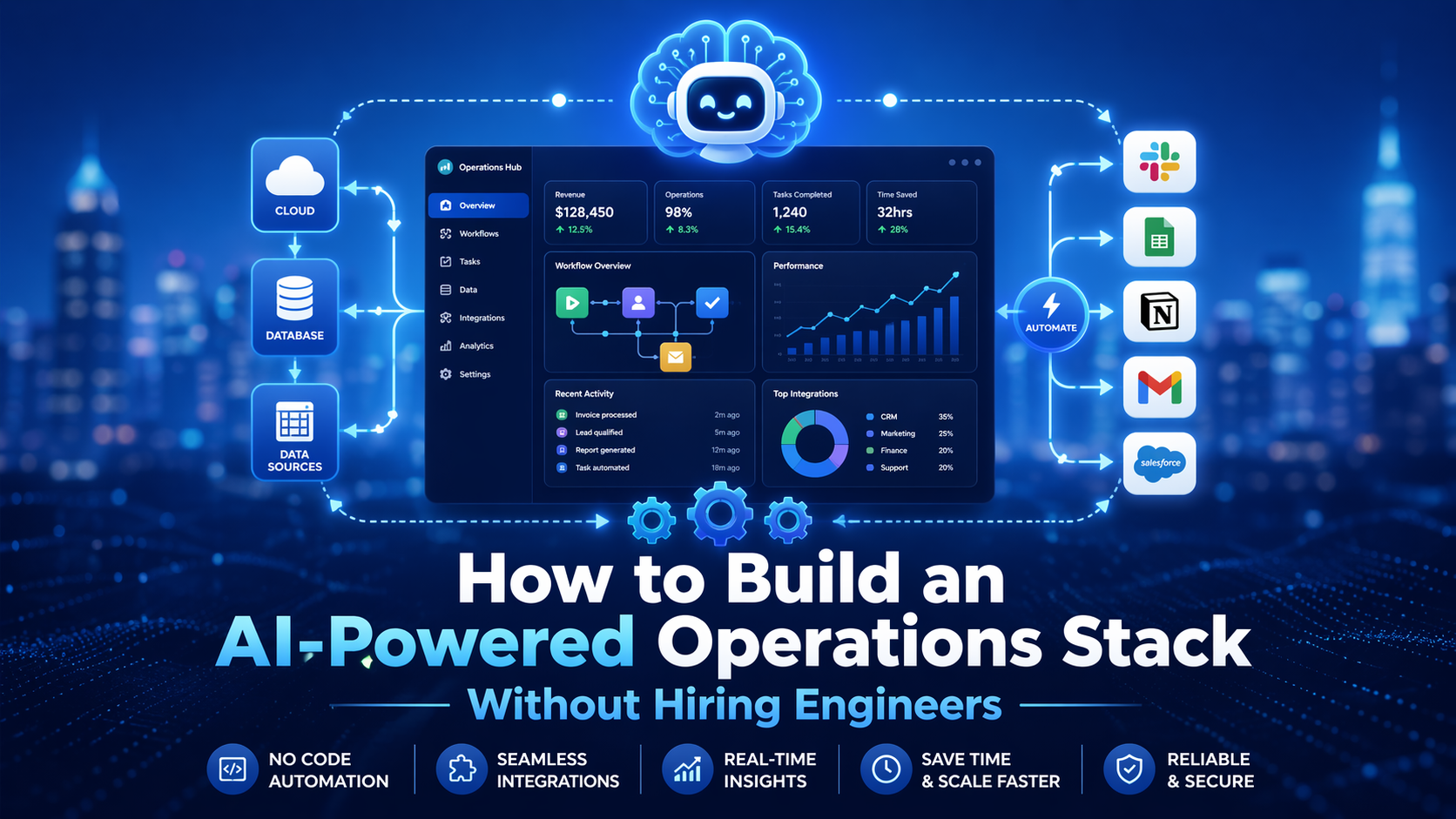
Building an AI-powered operations stack does not have to mean hiring engineers or creating a complicated system. This blog explains how businesses can use no-code tools, AI workflows, automation, knowledge bases, and simple reporting layers to streamline operations, reduce manual work, and create a smarter support system that is easier to manage and scale.
A lot of businesses want the benefits of AI, automation, and smoother operations, but they assume they need developers to build it all. In many cases, they do not. Today, a business can build a strong AI-powered operations stack using no-code and low-code tools, clear workflows, and the right operating design. The bigger challenge is usually not coding. The bigger challenge is knowing what to connect, what to automate, and what should still stay human. Zapier says its platform helps businesses build and scale AI workflows and agents across thousands of apps with no code, while Airtable says teams can build AI-powered workflows that unify data and collaboration without code required.
That matters because operations are where small inefficiencies turn into bigger problems. If leads are getting lost, tickets are sitting too long, handoffs are messy, reporting takes too much manual work, or the team is constantly copying data between tools, the business is not just moving slowly. It is also creating unnecessary overhead. Atlassian describes work management as a system that increases visibility and collaboration across tasks and teams, which is a useful way to think about an AI-powered operations stack too.
This topic is also a natural fit for Hamedia Agency’s audience. Hamedia says it combines talent, AI, and strategy to provide outsourcing and digital services tailored to business needs, including operational AI dashboards, while its approach page says it helps businesses work faster, smarter, and more efficiently by combining artificial intelligence with human expertise. That makes this kind of blog useful not only for SEO, but also for educating potential clients who want better systems without building a full engineering team.
The biggest mistake businesses make is starting with tools instead of process. They sign up for an automation platform, an AI assistant, a chatbot, a dashboard tool, and a knowledge base, but they never clearly define the workflow they want to improve. That usually creates more clutter, not less. Before building anything, you need to ask a few simple questions. What work repeats every day? Where are the delays? Which steps are manual but predictable? What information needs to move from one system to another? What decisions need human review?
Hamedia’s approach page reflects this same logic. It says the process includes defining the scope of work, determining roles and responsibilities, and establishing workflows, reporting methods, and escalation steps so everyone knows how things run. That is exactly how a useful operations stack should be built. It should follow the workflow, not force the workflow to bend around the tool.
A useful AI-powered operations stack usually has six layers. First is the command center, where work is tracked. Second is the knowledge base, where process information lives. Third is the automation layer, which moves data and triggers actions. Fourth is the AI layer, which helps summarize, classify, generate, or route information. Fifth is the intake layer, where requests, forms, and new items enter the system. Sixth is reporting, where the business can actually see what is happening. You do not need a developer to build most of that. You need a clear operating model and tools your team can actually use.
The command center can be a project or work management system. The knowledge base can be a connected wiki. The automation layer can be built with visual no-code tools. The AI layer can sit inside your automation platform, your workspace, or your database layer. The point is not to create something flashy. The point is to make daily operations easier to run.
Your command center is the place where the work lives. If work is scattered across email, chat, notes, and people’s memory, the stack will never feel stable. A command center gives you visibility into tasks, owners, deadlines, handoffs, and status. Atlassian’s guide says work management helps streamline tasks by providing visibility and fostering collaboration. That is exactly why this layer matters. Without visibility, automation becomes harder to trust.
This does not need to be overbuilt. It can be a clean project board, a database-style operations tracker, or a simple task system that reflects the real workflow. The important thing is that work is structured, trackable, and tied to owners. AI and automation work better when they plug into a clean system instead of trying to organize chaos after the fact.
A lot of businesses try to automate work before they document it. That is a mistake. A knowledge base gives your team and your AI tools a shared source of truth. That includes SOPs, templates, escalation rules, quality standards, FAQs, and workflow notes. Notion’s product and help pages describe a connected wiki and knowledge base that centralizes important information and helps teams answer questions faster.
This matters because AI is only as useful as the context it has. If your process lives in scattered messages and undocumented habits, your AI layer will be weak. But when your knowledge base is clean, even simple AI features like summaries, answers, drafting, and guidance become much more valuable.
This is where most people assume they need engineers, but many do not. Visual automation platforms now let non-technical teams connect apps, move data, trigger workflows, and build repeatable processes with no code. Zapier says it helps connect thousands of apps and build AI workflows with no code, while Make says its platform lets users visually build and automate workflows and scale AI automations they can actually see and control.
A good starting point is not a giant automation map. It is one or two high-friction workflows. For example, when a lead form is submitted, create a record, notify the team, assign the owner, generate a short AI summary, and add a follow-up task. Or when a support request comes in, classify it, push it into the queue, tag urgency, and notify the right person. These are the kinds of small wins that build momentum.
If your business wants help running those recurring admin workflows after they are built, this is a natural place to guide readers toward support. If you need reliable virtual assistants backed by structured workflows, trained support, and AI-enhanced efficiency, check this page.
AI works best in operations when it handles repeatable cognitive tasks. That includes summarizing notes, classifying tickets, drafting updates, extracting key details from text, routing requests, and generating internal answers from a knowledge base. Airtable describes AI workflow automation as a way to handle multi-step business processes and unstructured inputs like text and documents, while Notion says its AI tools can automate busywork and help teams get more done faster.
What AI should not do by itself is own high-risk decisions with no review. Financial approvals, legal commitments, sensitive customer decisions, and critical escalations should still have human checkpoints. The best operations stacks use AI to assist judgment, not completely replace it. That is usually how businesses get speed without losing control.
Your stack also needs a clean intake layer. This is where new work enters the system. That could be a lead form, a support form, a request inbox, a scheduling flow, or a simple internal request form. If intake is messy, the rest of the stack will stay messy too. Clean intake means the right fields are captured early, items are categorized properly, and work enters the system in a structured way.
This is one of the easiest places to create real improvement because structured intake reduces manual back-and-forth. It also gives the AI and automation layers better data to work with. Better inputs usually create better outputs.
A lot of operations stacks fail because they automate activity but never improve visibility. Reporting should not be an afterthought. If the stack is working, you should be able to see turnaround time, backlog, conversion stages, workload, common issues, SLA performance, and where items are getting stuck. Hamedia’s homepage specifically mentions operational AI dashboards, and its technical support page highlights daily analytics and insights as part of higher-tier support.
That is important because operations leaders do not just need automation. They need answers. They need to know what is working, what is breaking, and what needs attention this week. A stack without reporting can still save time, but it will not help leadership steer the business as effectively.
If your business needs dependable helpdesk, troubleshooting, or ticket operations layered on top of that reporting and workflow structure, this is also a good service mention. If you need technical support that combines human care with AI efficiency and measurable performance, learn more here.
A small business does not need ten platforms to get started. A very practical version might look like this: one work management system, one knowledge base, one automation platform, one AI-enabled database or workspace, one form or intake layer, and one reporting view. That alone can support lead handling, admin support, internal requests, reporting, and parts of customer support.
The right stack is the one your team can actually run. That means it should be understandable, documented, and easy to improve over time. A stack that only one technical person understands is not as strong as it looks. A simpler stack with clearer ownership usually creates better long-term results.
The first mistake is overbuilding too early. Businesses sometimes try to automate every workflow at once, and that usually creates confusion. Start with one or two repeatable workflows that already happen often. The second mistake is ignoring documentation. If the process is not written down, the automation will be harder to maintain. The third mistake is using too many disconnected tools, which weakens visibility. Atlassian notes that integrated systems make it easier to trace work across tools, and that standardization helps improve visibility.
Another mistake is expecting AI to fix a broken process. It will not. AI can improve speed, organization, and decision support, but it still needs a clean workflow underneath. The stack works best when process, people, and tools are aligned.
You do not need to hire engineers to build a useful AI-powered operations stack. What you need is a clear process, a simple architecture, and tools your team can actually manage. Start with the workflow. Build a command center. Document the process. Add automation where it saves time. Add AI where it improves judgment, speed, or consistency. Then make sure the reporting helps you see what is really happening.
For businesses that want help putting that model into practice, Hamedia’s positioning fits naturally here. Its website emphasizes AI-enhanced outsourcing, structured workflows, trained support, and scalable service delivery. If readers want to move from learning into implementation, this is a strong next page to explore.
Valerie Vince Cruz is a thought leader in AI-enhanced outsourcing and business operations. With years of experience helping companies scale efficiently, they share insights on the latest trends and best practices in the industry.
Get in touch with our team and we'll help you find the right solution.
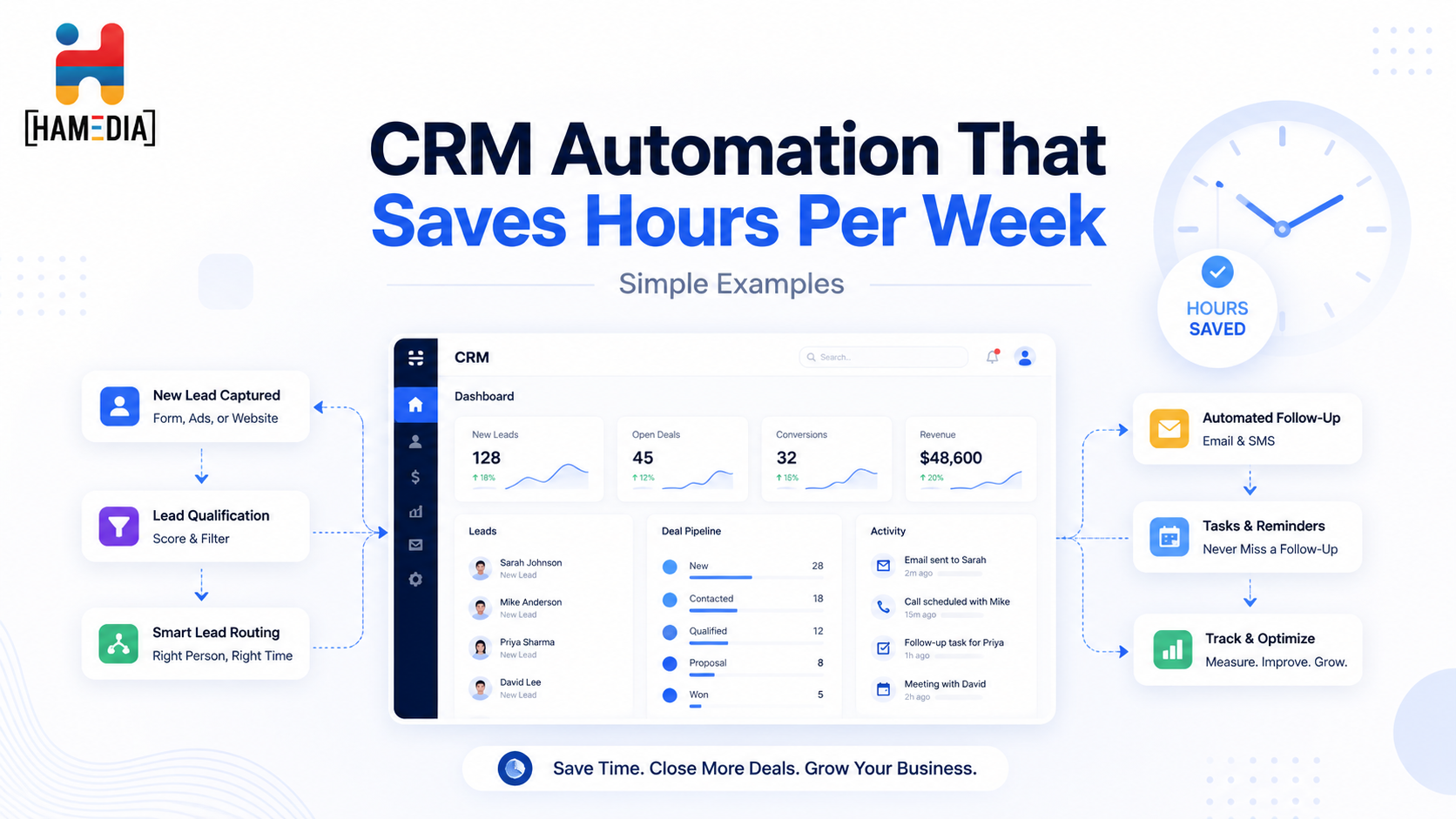
CRM automation can save hours each week by removing the small repetitive tasks that slow teams down and create missed follow-ups. This blog walks through simple automation examples for lead routing, meeting prep, stage updates, inactivity alerts, proposal follow-up, and closed-won handoffs so businesses can build a cleaner, more consistent CRM workflow without overcomplicating it.
You do not need a big AI project to get value fast. This guide breaks down 20 practical workflows small businesses can automate in the next 30 days, from lead routing and follow-ups to support triage, reporting, proposals, onboarding, and content operations. Each workflow includes tool ideas and a simple approach to automate safely without losing quality.