
You do not need a big AI project to get value fast. This guide breaks down 20 practical workflows small businesses can automate in the next 30 days, from lead routing and follow-ups to support triage, reporting, proposals, onboarding, and content operations. Each workflow includes tool ideas and a simple approach to automate safely without losing quality.
Most small businesses do not need complicated AI projects to see real impact. The fastest wins come from automating the same things your team repeats every day: lead follow-up, inbox sorting, scheduling, reporting, proposals, customer support, and basic operations admin.
This post gives you 20 practical workflows you can automate in the next 30 days, written in a way you can hand to your ops person or VA and actually implement. I also included internal links to Hamedia resources and external links to tools and standards you can lean on.
If you want the “people plus systems” approach where automation supports your team instead of replacing it, start here.
Choose workflows that are repetitive, time-sensitive, and easy to measure. Automate the steps that are predictable, then keep a human review step where judgment matters.
A good “this month” target should save time within two weeks and reduce mistakes, not create new complexity.
When a lead submits a form, auto-create the contact, tag the source, assign an owner, and route the request to the right pipeline. This prevents forgotten leads and messy CRM data.
Tools: https://zapier.com/ or https://www.make.com/
Use AI to read form submissions and label them as real service inquiries vs vendor pitches vs irrelevant. Send vendor pitches to a separate folder so your team stays focused.
Automatically send a short, human-sounding acknowledgement email or SMS with the next step, then notify your team for follow-up. This alone can raise conversion because speed matters.
Before someone books time, ask 3 to 5 qualifying questions. If they do not match your criteria, send them to a different booking option or an email response.
Tools: https://calendly.com/
Create a 7 to 14 day follow-up flow that changes messaging based on behavior: opened email, clicked link, booked call, replied, or ghosted.
After every call, generate a summary, action items, and automatically log it into the CRM with tags and a next task date.
Tools: https://workspace.google.com/ and https://www.microsoft.com/microsoft-365
Turn call notes into a draft scope, timeline, and pricing options. Keep a human review step, but remove the blank-page effort that slows proposals.
Auto-create a client folder, generate standard docs from templates, request signatures, and store signed versions in the right place.
Tools: https://www.docusign.com/ or https://www.adobe.com/acrobat/sign.html
Automatically send reminders based on due date, confirm receipt, and flag overdue accounts to your team. This reduces awkward follow-ups and improves cash flow.
Tools: https://quickbooks.intuit.com/ or https://www.xero.com/
Auto-label tickets by urgency, topic, and customer type. Route billing to billing, technical to technical, and high-priority issues to a priority queue.
Tools: https://www.zendesk.com/ or https://www.intercom.com/
Let AI draft replies using your policies and FAQs, then have an agent approve and send. This improves speed without losing quality.
After a delivery, service, or onboarding milestone, trigger an automated check-in asking for feedback. Route unhappy customers to a human fast.
When a customer has a good outcome, automatically ask for a review or testimonial. Route them to the right platform and store approvals for marketing use.
Turn one long piece of content into social posts, short email snippets, and talking points for a video. Keep it human-edited, but automate the first draft.
When a blog is ready, trigger a checklist: meta title, meta description, internal links, external references, image alt text, and final review. This keeps your SEO consistent every time.
Auto-schedule posts across platforms and generate weekly performance summaries so you can spot what is working without manual spreadsheet work.
Tools: https://buffer.com/ or https://later.com/
Route applicants into stages, auto-send confirmation messages, score basic qualifications, and schedule interviews based on availability.
Tools: https://www.greenhouse.io/ or https://lever.co/
Automatically provision accounts, send the Day 1 checklist, share SOPs, and schedule the first two weeks of check-ins. This makes onboarding repeatable and faster.
After a task is done, have AI convert the steps into a draft SOP, then let your ops lead edit it. Over time, your systems become easier to delegate.
Pull numbers from your CRM, inbox, support, and finance tools, then generate a simple weekly summary: what happened, what changed, what needs attention.
The first mistake is automating a broken process. Fix the workflow first, then automate. The second mistake is removing humans from steps that require judgment, especially in customer support and pricing. The third mistake is ignoring permissions and privacy.
If you handle sensitive customer or internal data, build simple controls: least-privilege access, audit trails, and clear rules for what data can be sent into AI tools. A strong general framework reference is the NIST AI Risk Management Framework.
Week 1 is for lead flow and scheduling because it impacts revenue quickly. Week 2 is for support triage and reporting because it reduces daily stress. Week 3 is for proposal and document automation because it speeds up closing. Week 4 is for content and SOP automation because it compounds long-term.
If you want, you can also combine automation with a support role so tasks get owned, monitored, and improved over time. That is usually where the real ROI shows up.
Valerie Vince Cruz is a thought leader in AI-enhanced outsourcing and business operations. With years of experience helping companies scale efficiently, they share insights on the latest trends and best practices in the industry.
Get in touch with our team and we'll help you find the right solution.
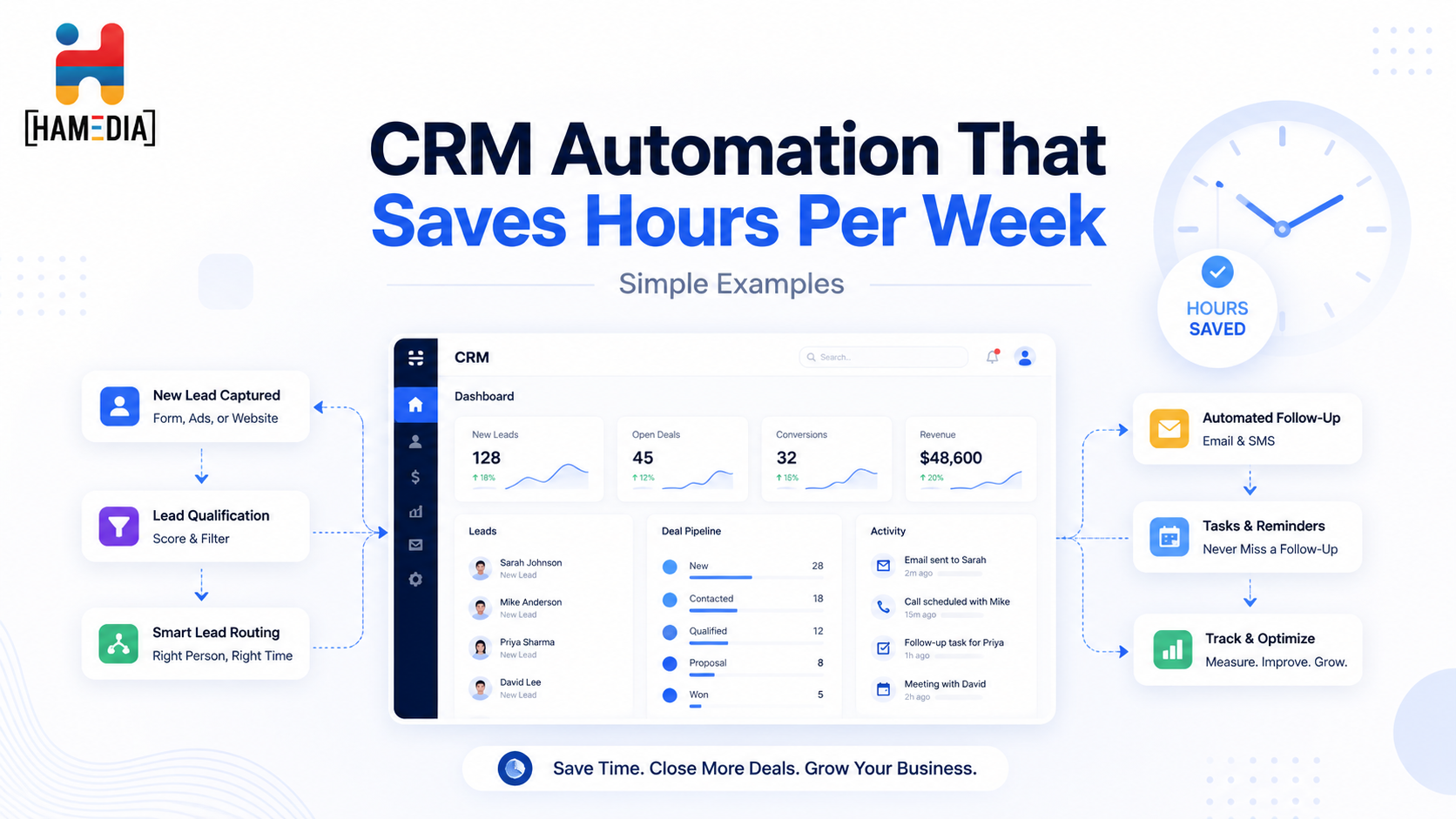
CRM automation can save hours each week by removing the small repetitive tasks that slow teams down and create missed follow-ups. This blog walks through simple automation examples for lead routing, meeting prep, stage updates, inactivity alerts, proposal follow-up, and closed-won handoffs so businesses can build a cleaner, more consistent CRM workflow without overcomplicating it.
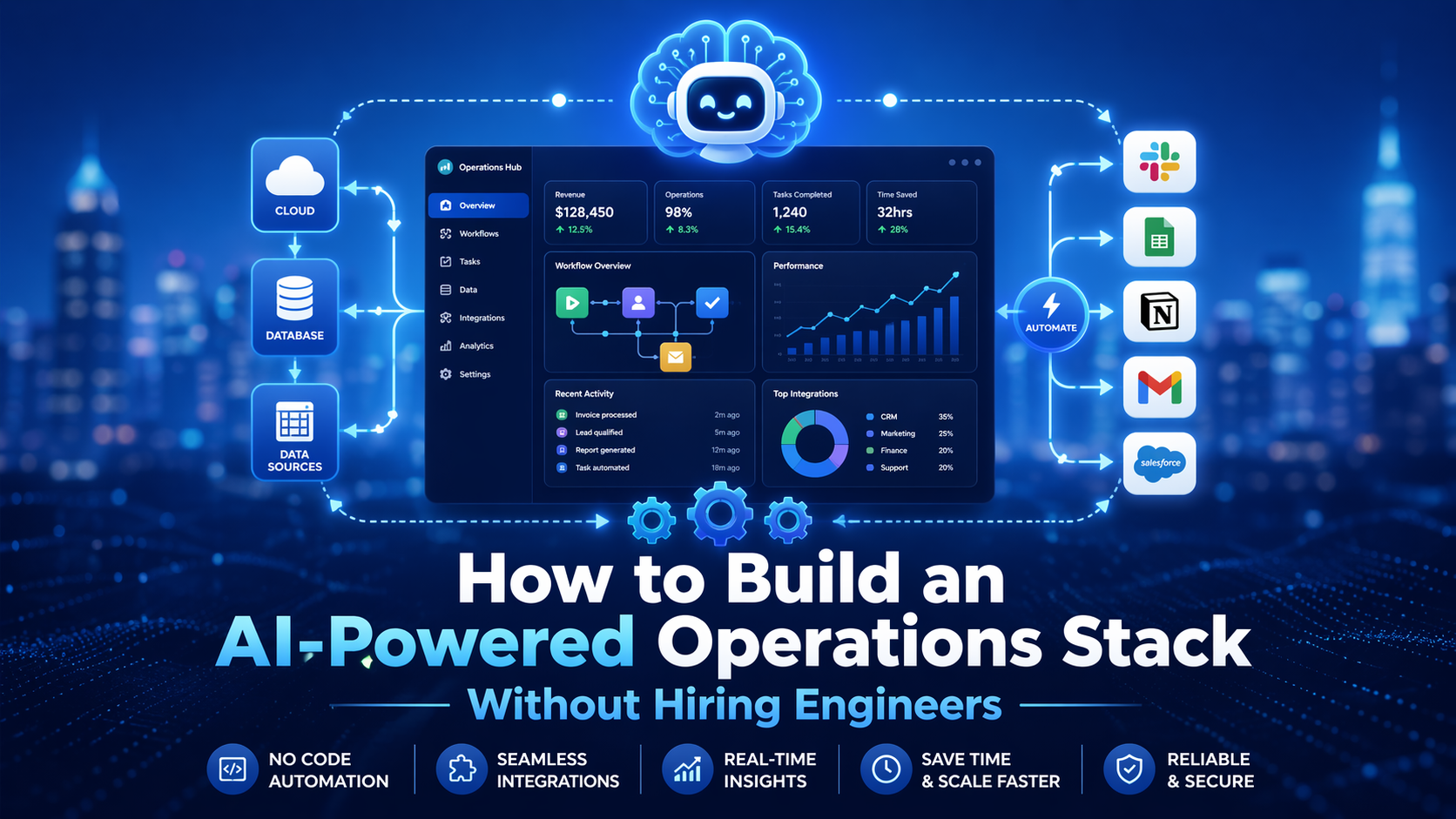
Building an AI-powered operations stack does not have to mean hiring engineers or creating a complicated system. This blog explains how businesses can use no-code tools, AI workflows, automation, knowledge bases, and simple reporting layers to streamline operations, reduce manual work, and create a smarter support system that is easier to manage and scale.